
 11
11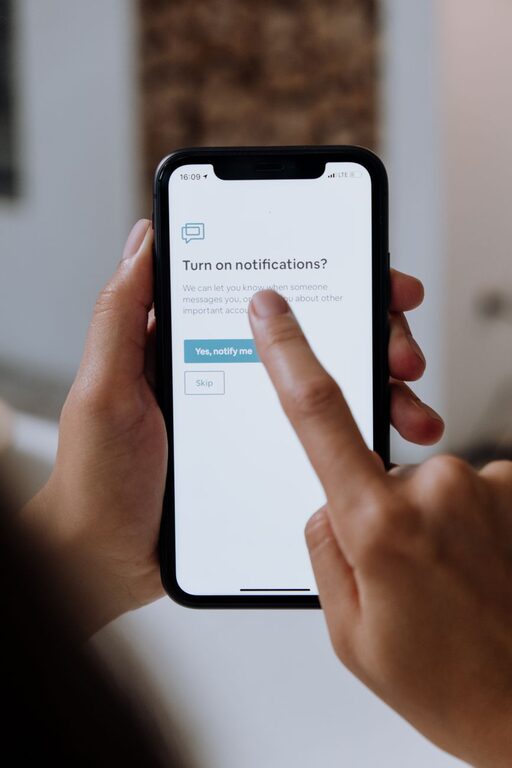
In today’s connected world, notifications constantly vie for our attention, making it hard to stay focused and maintain a healthy work-life balance. Setting boundaries with notifications can help reduce stress, improve productivity, and create more mindful screen time. If you find yourself overwhelmed by frequent pings and alerts, this guide offers practical tips to help you regain control.
Notifications are designed to keep us informed and engaged, but when they become excessive, they can lead to:
– Frequent interruptions that break concentration
– Increased stress and anxiety
– Difficulty distinguishing between urgent and non-urgent alerts
– Reduced quality time away from devices
By setting clear boundaries, you can better manage your time, stay focused on important tasks, and enjoy digital interactions on your terms.
Before making changes, take a moment to evaluate your current situation:
– Which apps send you the most notifications?
– How often do you check your phone or computer when alerted?
– Do notifications affect your mood or productivity?
Understanding your habits will help you identify which notifications are useful and which ones you can limit or turn off.
Most smartphones and computers allow you to manage notifications on a per-app basis. Consider:
– Turning off notifications for apps that are not essential
– Allowing only important alerts (like messages or calendar reminders)
– Disabling sound or vibration for non-critical notifications to reduce distractions
Many devices offer modes that silence notifications temporarily:
– Schedule “Do Not Disturb” during meetings, work hours, or bedtime
– Use Focus Mode on smartphones to allow notifications only from selected contacts or apps
– Enable “priority only” alerts so you don’t miss important messages
This helps maintain focus without missing critical communication.
Instead of reacting immediately to every alert:
– Designate times during the day to review notifications—such as once every hour or at scheduled breaks
– Turn off push notifications between these times to avoid constant interruptions
– This practice helps you stay in control of your attention and reduces stress
Social media and news apps often send frequent, non-urgent alerts:
– Turn off all but the most relevant notifications (e.g., direct messages or mentions)
– Consider uninstalling apps temporarily to reduce temptation
– Use website blockers or reader modes to focus on content without distractions
Some devices offer features that collect less urgent notifications and deliver them in batches:
– Enable notification summaries, which group alerts and provide a digest at scheduled times
– This supports focused work periods without missing important updates
– Check your device’s settings or notification apps for these options
Let friends, family, and colleagues know when you prefer not to be disturbed:
– Share your availability for calls or messages
– Use status messages or out-of-office replies when focusing or off the clock
– This helps manage expectations and reduces pressure to respond immediately
Notifications during the night can disrupt sleep and overall wellbeing:
– Enable sleep mode or night mode to silence notifications during rest hours
– Avoid checking phone or computer screens before bedtime to promote better sleep hygiene
– Consider using apps that encourage mindful device use, especially at night
Your notification needs may change over time:
– Periodically review app settings and adjust as needed
– Remove apps you no longer use or that send excessive alerts
– Stay mindful of how notifications affect your focus and mood
Regular adjustments keep your digital environment healthy and balanced.
Setting boundaries with notifications is a simple but powerful way to improve focus, reduce stress, and take control of your digital life. By customizing settings, scheduling “quiet” times, and communicating clearly, you can enjoy the benefits of staying connected without constant distractions. Start with small changes and adjust as you go—your productivity and well-being will thank you.
—
By following these tips, you can create a notification system that works for you, not against you. Remember: notifications are tools to help you, not to disrupt your life.